


Get ready for an incredible word adventure that takes you all around the world! Welcome to Words of Wonders, the super fun game that mixes crossword puzzles with word-finding challenges. If you love puzzles and discovering new things, you are in the right place. Sharpen your mind, grow your vocabulary, and travel to see the most amazing places on Earth, all from your computer or phone. Each puzzle you solve brings you one step closer to uncovering a new wonder. It’s a brain-teasing journey packed with fun. Are you ready to connect the letters, find the hidden words, and become a word champion? Let’s start the tour!
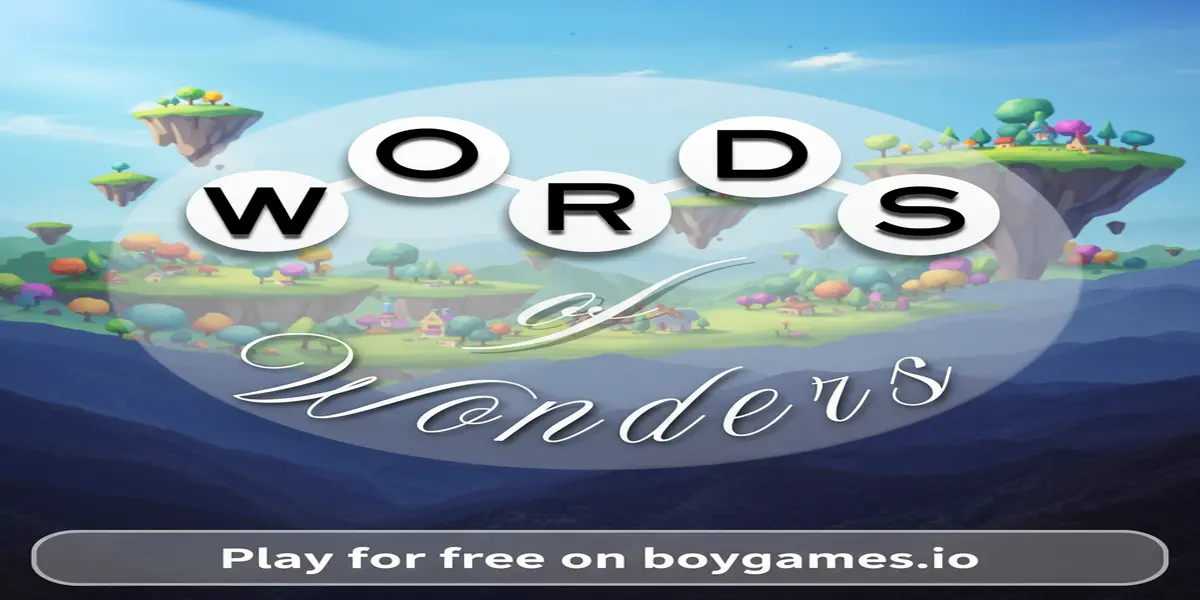
Words of Wonders is a fantastic puzzle game that feels like two games in one! It takes the classic crossword puzzle that you might see in newspapers and mixes it with a fun, modern word-swiping game. In the game, you are given a circle of letters, and your job is to swipe between them to form words. These words then fill up a crossword-style grid. It’s a perfect game for anyone who wants to relax and challenge their brain at the same time. The game is famous because it is so easy to start playing but offers endless levels of fun. As you play, you are not just solving puzzles; you are going on a virtual trip. Each set of levels is based on a famous landmark or a beautiful city, like the Pyramids of Giza or the romantic streets of Paris. The beautiful pictures in the background make playing feel like a peaceful escape.
This game has become a worldwide favorite because it’s fun for everyone, from kids learning new words to adults who love a good brain teaser. It helps you learn new words and improve your spelling without feeling like homework. The feeling of finally finding that one tricky word you were stuck on is super rewarding! As you complete more puzzles, you unlock new wonders and learn cool facts about them. The game keeps you coming back for more with daily challenges and special events. For those who want to dive deeper into the game’s levels and strategies, the Words of Wonders Fandom wiki is a great resource created by other players. It’s a wonderful community full of tips and level guides.
Getting started in Words of Wonders is as easy as swiping your finger or mouse! The main goal is to find all the hidden words in each level’s crossword puzzle using only the letters provided. When you start a level, you’ll see a crossword grid at the top of the screen with lots of empty boxes. At the bottom, you’ll see a wheel with a handful of letters. Your mission is to connect these letters to spell out words that fit into the empty boxes above. To make a word, simply click and drag your mouse (or swipe your finger on a touchscreen) from the first letter to the last, in the correct order. If you’ve spelled a real word that is part of the puzzle, it will automatically pop into the correct spot on the grid!
The core loop of the game is simple: look at the letters, think of words, and swipe to create them. As you fill in the grid, the letters you’ve placed can give you clues for the other words that cross them. Some levels are easy, with short three or four-letter words. But as you travel to new wonders, the puzzles get trickier with longer words and more complex grids. Don’t worry if you get stuck! The game has helpful tools. You can use the “Shuffle” button to mix up the letters on the wheel, which can often help you see new possibilities. You can also spend in-game coins to get a “Hint,” which will reveal one letter on the board for you. You earn coins by solving puzzles and finding “Bonus Words”—these are extra words you can make with the letters that aren’t part of the main crossword. Keep an eye out for them to boost your score!
Mastering the controls is key to winning. Here is how to navigate:
Want to beat the high score and solve puzzles like a pro? Keep these strategies in mind:
Looking to play Words of Wonders unblocked? You’ve come to the right place! Our site offers a secure, fast-loading version of the game that bypasses the network restrictions often found on school or office computers. You can enjoy your word journey without any blocks or interruptions, right here in your browser.
While players often search for terms like “unblocked 76” or “66,” those sites can sometimes be slow, outdated, or filled with distracting ads. Playing directly here on our platform ensures you have the official, latest version of the game. It’s optimized to run perfectly on modern browsers like Chrome, Edge, and Firefox, giving you the best and safest gameplay experience.
While you can play instantly in your browser right here, Words of Wonders is also available as an app. Always prioritize official sources to avoid viruses and keep your devices safe.
Yes, you can play Words of Wonders completely for free on our website. There are no hidden fees or charges to enjoy the full game. You can play as much as you want!
Absolutely! Words of Wonders is a fantastic way to expand your vocabulary. You will discover new words and see how they are spelled while having a lot of fun, making it a great tool for students.
No account is needed to play here. You can start playing immediately as a guest. This makes it quick and easy to jump right into the fun without any sign-up forms.
Coins are the in-game currency used to get hints. If you are stuck on a particularly tricky word, you can spend some coins to reveal one of the letters in the grid, helping you solve the puzzle.
Yes! Our browser-based version of the game is perfect for Chromebooks. Since it runs directly in your web browser, no installation is needed, and it’s designed to work perfectly on school devices.
If you enjoyed your world tour in Words of Wonders, check out these related Puzzle Games that will also test your word skills:
Words of Wonders is more than just a game; it’s a passport to a world of fun, learning, and discovery. It beautifully combines the challenge of a crossword with the simple joy of a word search. You get to travel the globe, visit breathtaking landmarks, and boost your brainpower all at once. With its relaxing gameplay, beautiful graphics, and endless puzzles, it’s the perfect game to unwind with after a long day or to keep your mind sharp during a break.
The journey is waiting for you. A world of words and wonders is ready to be explored. Are you up for the challenge? There’s no need to wait for a download or installation. You can start your adventure right now, for free, directly in your browser. Click the play button and see how many wonders you can discover!
 (No Ratings Yet)
 Loading...